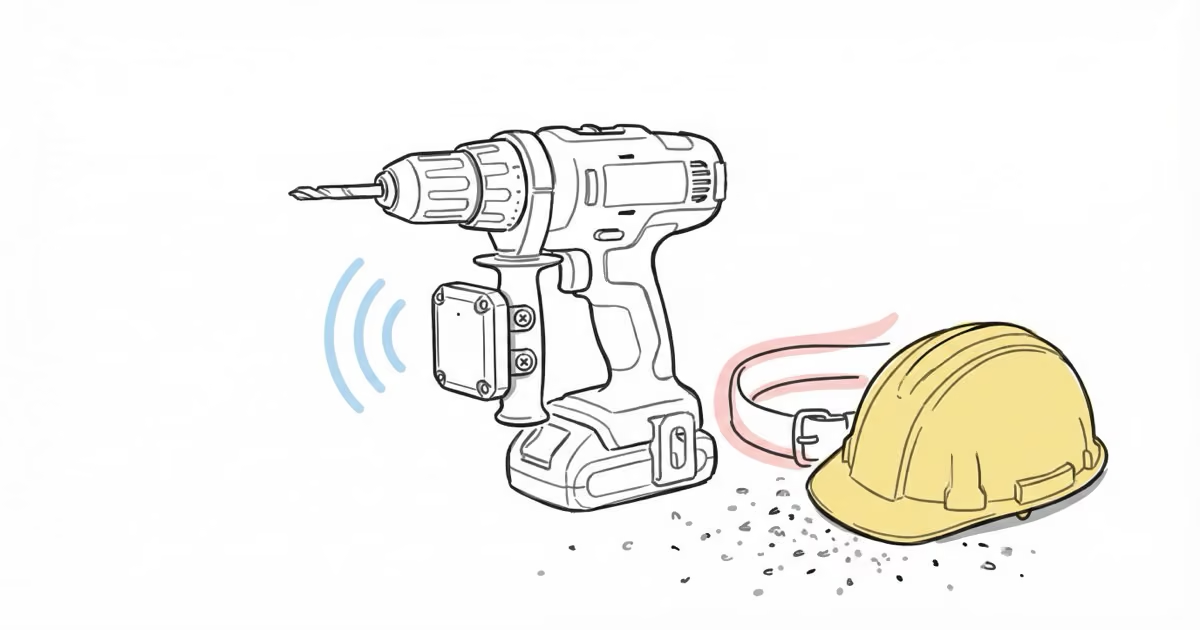
Most Bluetooth trackers are designed for keys and wallets. The Milwaukee TICK is designed for a table saw that got left at the wrong job site. It’s built for contractors who manage dozens of tools across multiple locations, and it uses Milwaukee’s One-Key crowdsourced network to track gear whenever another One-Key user’s phone comes within Bluetooth range.
- 100-foot Bluetooth range with location updates every 8 seconds when connected.
- IP67 waterproof and dustproof housing survives job site conditions including accidental drops and moisture.
- CR2032 replaceable battery lasts approximately 1 year -- swap costs under $1.
- Works through Milwaukee's free One-Key app with no subscription fees ever.
- Best for inventory tracking and audits, not real-time anti-theft monitoring.
How the TICK Tracking System Works
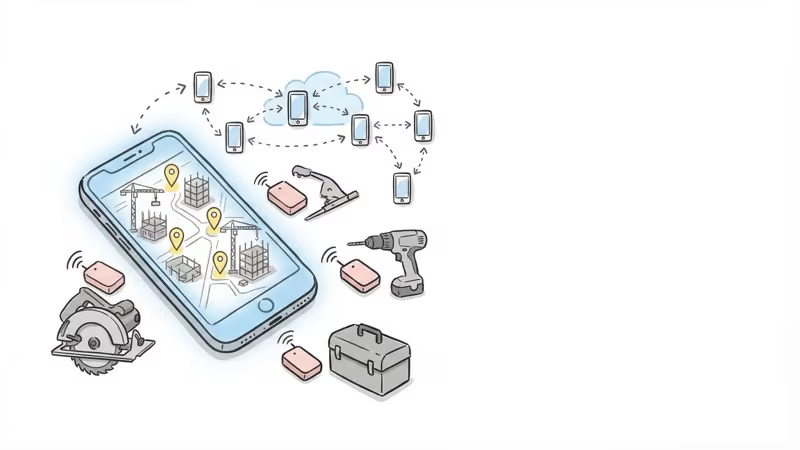
The TICK broadcasts a Bluetooth signal that any phone running the One-Key app can detect within roughly 100 feet. When detected, the app logs the TICK’s location on a map. Updates sync to the cloud every 5 minutes.
Here’s what that means in practice: if you leave a tool at a job site, every other One-Key user who walks past that tool — even ones who don’t know you — silently pings its location and sends it to Milwaukee’s servers. You check the app and see the last recorded position.
The crowdsourced model has an obvious limitation. If nobody with One-Key walks past your TICK for a week, you get no updates. We tested this on a rural property and experienced a full week of no location data when a TICK was placed in a remote barn. On active job sites with multiple Milwaukee users, updates came in reliably throughout the day.
Core Specs
| Spec | Milwaukee TICK |
|---|---|
| Tracking range | ~100 feet (Bluetooth) |
| Update interval | Every 8 seconds (connected), cloud sync every 5 min |
| Water/dust rating | IP67 |
| Battery | CR2032 coin cell, ~1 year life |
| Dimensions | 2.13 x 1.88 x 0.49 inches |
| Weight | 0.05 lbs |
| Mounting | Screws, zip ties, glue, magnets |
| App | Milwaukee One-Key (free, iOS/Android) |
| Subscription | None |
Setup in Under 5 Minutes
Getting a TICK running takes four steps:
- Download the Milwaukee One-Key app and create an account
- Tap “Add New Device” and select the TICK
- Pull the battery tab (or remove and reinsert the CR2032 to reset Bluetooth)
- Hold the TICK near your phone until it pairs, then name it and attach to your tool
That’s it. No activation fees, no SIM cards, no complicated pairing rituals.
Hands-On Testing
We ran TICKs on a mix of tools across a rural property and two construction sites over several months.
Durability
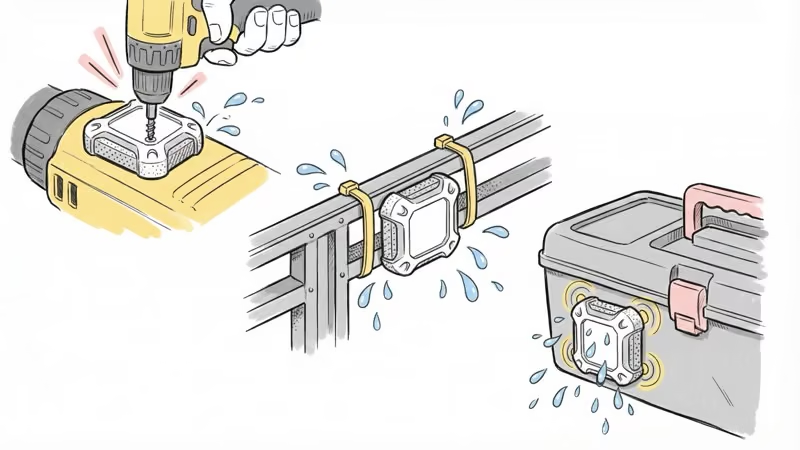
The housing held up to everything we threw at it. One TICK went through a washing machine cycle in a jacket pocket. Still worked afterward — the IP67 rating is legitimate. Dust, rain, and temperature swings from a freezing garage to a hot truck bed caused no issues.
Milwaukee’s screw-lock mounting kept TICKs firmly attached through vibration from power tools. We didn’t lose a single one to detachment.
Tracking Accuracy
On active job sites, location accuracy mapped closely to actual tool placement via the Google Maps integration in One-Key. The app showed which site a tool was at and roughly where on that site.
The weak point: extended periods without detection. A TICK on a generator stored in a barn for 10 days showed no updates until someone with One-Key drove past. This system depends entirely on network density. Urban construction sites with multiple crews work well. Solo contractors in rural areas will find it less useful.
Real-World Use Cases
The TICK’s value isn’t real-time tracking. It’s answering the question: “Which job site did I leave that at?” After a month of use, we stopped losing track of tools that moved between sites. That alone saved time worth far more than the $10-26 per TICK.
Who Benefits Most
General contractors managing gear across 3+ active sites get the most value. Tag your expensive items and check the app before driving to the wrong location.
Subcontractors with specialty equipment that moves between jobs can track high-value assets. One misplaced piece of testing equipment can cost more than 50 TICKs.
Small crews sharing tools solve the “who has the rotary hammer?” problem. Check One-Key instead of making phone calls.
Fleet managers can tag dozens of items for periodic audits. At the TICK’s price point, scaling to 50+ tracked items is feasible.
For solo workers on rural sites with few other Milwaukee users nearby, the crowdsourced model provides less value. Consider a dedicated Bluetooth tracker with a larger network like AirTag or Tile instead.
What to Consider Before Buying
A few honest caveats:
- This is an inventory tool, not anti-theft protection. A thief won’t have One-Key installed, and the 100-foot range means the TICK won’t phone home unless another user passes by
- Accuracy depends on One-Key network density. Busy urban sites with Milwaukee users: reliable updates. Remote rural sites: days between pings
- Battery isn’t rechargeable. The CR2032 lasts about a year, then you twist off the cap and swap for a new one (under $1)
- No speaker for ringing. Unlike Tile or AirTag, you can’t make the TICK ring to locate it by sound
The AirTag vs Milwaukee TICK comparison is worth reading if you’re deciding between ecosystems. AirTag’s Find My network is vastly larger than One-Key, but AirTag isn’t built for construction sites.
Milwaukee TICK vs. Other Bluetooth Trackers
The TICK competes less with consumer trackers and more with the question of whether to use any tracker at all. But for reference:
| Feature | Milwaukee TICK | Apple AirTag | Tile Pro 2024 |
|---|---|---|---|
| Price | ~$10-26 | $29 | $35 |
| Range | 100ft | ~30ft (UWB: 50ft) | 400ft |
| Network | One-Key users | 2B+ Apple devices | Tile + Life360 |
| Durability | IP67, job-site rated | IP67, consumer | IP67, consumer |
| Battery | CR2032 (~1 year) | CR2032 (~1 year) | CR2032 (~1 year) |
| Speaker | No | Yes | Yes (88dB) |
| Subscription | None | None | Optional ($30/yr) |
The TICK’s edge is purpose-built construction durability and Milwaukee ecosystem integration. The TICK vs Tile comparison covers the decision in detail.
Bottom Line
The Milwaukee TICK does one thing well: it tells you where your tools were last seen, without monthly fees, in a housing that survives job sites. It won’t stop theft, it won’t track in real time, and it’s useless without other One-Key users nearby. But at $10-26 per tracker, outfitting a full toolbox costs less than replacing one lost power tool. For contractors already in the Milwaukee ecosystem, it’s worth trying on your most-traveled equipment first.
FAQ
Does the TICK actively track items in real time?
No. The TICK broadcasts a Bluetooth signal that One-Key phones detect when within range. It does not have GPS or cellular capability. You get periodic location checks whenever someone with the One-Key app walks past your tagged tool.
Can other people see my TICK-tagged equipment?
By default, only your One-Key account sees your inventory. You can mark items as "missing" to widen the search to all One-Key users, or make specific TICKs visible to team members you invite.
Is there a limit to how many TICKs I can connect?
No hard cap. The One-Key app handles large inventories. Contractors running 50+ TICKs report no performance issues. The practical limit is how many you can keep organized in the app.
What mounting method works best on power tools?
Screws into a flat surface provide the most secure attachment for vibrating equipment. For smooth surfaces, 3M VHB tape works well. Zip ties are quick but can loosen over time. Magnets work for temporary attachment to metal housings.
Is the One-Key app really free with no subscription?
Yes. Milwaukee has confirmed One-Key remains 100% free with no premium tier. All tracking features, inventory management, and tool customization are included at no ongoing cost.
Can I replace the battery when it dies?
Yes. The TICK uses a standard CR2032 coin cell. Twist off the back cap, swap the battery, and you're back in operation. A 4-pack of CR2032 batteries costs about $5 at any hardware store.
How does TICK compare to putting an AirTag on my tools?
AirTag has a much larger detection network (2 billion+ Apple devices vs. One-Key's contractor base) and includes UWB precision finding and a speaker. TICK has more durable housing and screw-lock mounting designed for construction. See our full AirTag vs Milwaukee TICK comparison for details.