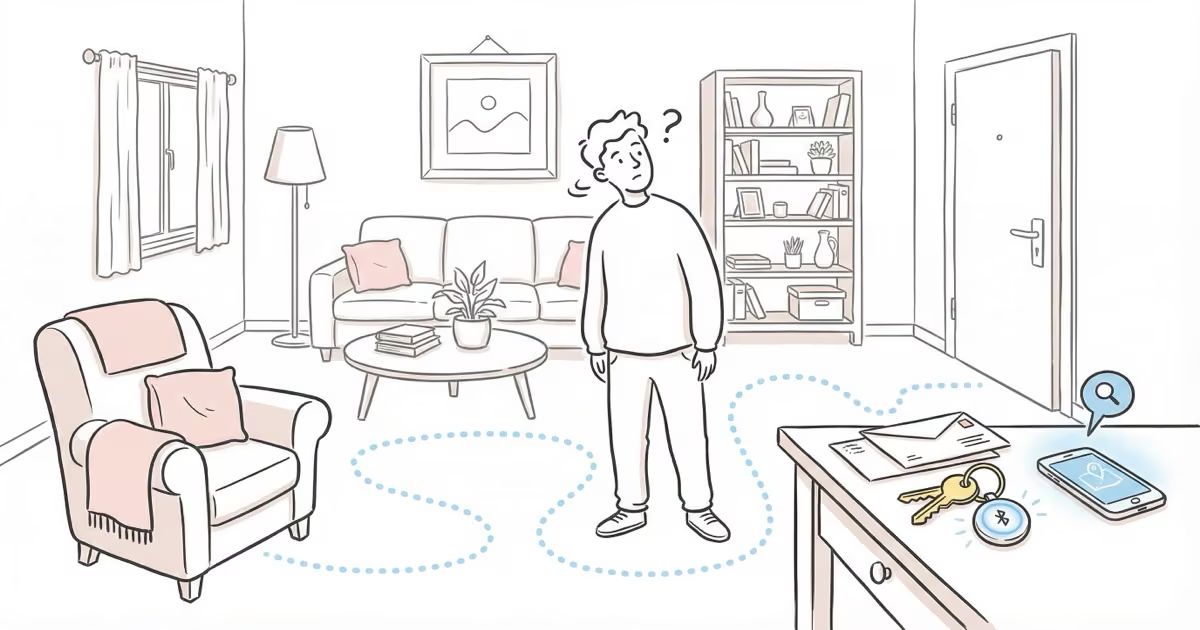
That sinking feeling when you reach for your keys and they’re not there. We’ve all been there. You check your pockets, your bag, the counter — nothing.
Before you tear the house apart, take a breath. Lost keys turn up 90% of the time within the home, usually hiding in plain sight. These ten methods work whether your keys slipped between couch cushions five minutes ago or vanished somewhere yesterday.
Key Takeaways
- Retrace your steps from the last confirmed key sighting -- physically walk the route, don't just think about it.
- Check your key's designated spot first, even if you're sure you didn't put them there.
- Cluttered surfaces hide keys in plain sight -- slow down and move objects one at a time.
- Bluetooth trackers like AirTag ($29) or Tile Mate ($25) let you ring lost keys from your phone within seconds.
- Designating one permanent key spot eliminates repeat searches entirely.
Retrace Your Steps
Go back to the last place you know you had your keys. Not where you think you had them. Where you’re certain.
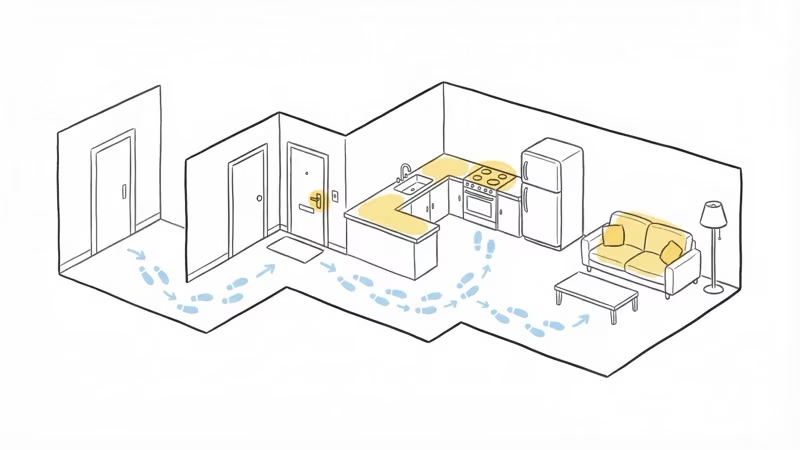
Walk the same path you took. Don’t just picture it — physically move through each room, each doorway, each stop you made. Muscle memory can trigger recall that mental visualization misses.
If you drove home, start at the car. Check the ignition, the center console, the door pocket. Then walk to your front door and trace your exact route inside.
Tap Into Your Senses
As you retrace your steps, try to recreate the full experience. What were you carrying? Were you on the phone? Did you stop to check mail or put down groceries?
Context matters. If you walked in with both hands full, you likely set your keys down on the nearest flat surface. If you were distracted by a phone call, they could be anywhere you paused mid-conversation.
Search Where Keys Belong
Check your key’s home base first, even if you’re convinced you didn’t put them there.
Keys drift back to familiar spots through habit. Your hook by the door, that bowl on the counter, your jacket pocket from yesterday. Search thoroughly around that area too — keys slide off hooks, fall behind furniture, and slip between cushions.
Look Near Related Items
Think about what you were holding or doing when you last used your keys. Came inside with groceries? Dig through the bags. Took off your jacket? Check every pocket, including the inside ones.
Keys tend to end up near whatever you were carrying at the same time. Your gym bag, your laptop case, the stack of mail you grabbed on the way in.
Scan Cluttered Areas Thoroughly
Messy spots are where keys go to disappear. Piles of mail, kitchen counters covered in stuff, the catch-all drawer.
Slow down here. Don’t just glance — move objects one at a time. Keys blend into cluttered surfaces surprisingly well, especially if they’re under a single sheet of paper or wedged between items. Check under newspapers, inside shoes by the door, and behind small appliances on the counter.
Ask for Help
If you’ve been searching for more than ten minutes solo, bring in backup. Other people spot things in areas you’ve already checked because they look with fresh eyes.
Ask household members if they moved your keys while tidying up. This is more common than you’d think. Also ask if they heard keys drop or jingle recently — a key finder can help prevent this scenario entirely.
Look in Unusual Spots
Keys end up in bizarre places. The refrigerator, the bathroom cabinet, inside a shoe, in a potted plant. It sounds ridiculous until it happens to you.
Think through your recent activities for clues. If you were cooking, check near the stove. If you were doing laundry, check the washing machine — and check it before you run a cycle. I once found a set of keys in a jacket pocket mid-wash. They survived, but the panic didn’t need to happen.
Avoid False Memories
Your brain can create vivid false memories of where you left your keys. If you clearly picture putting them on the counter but they’re not there after two checks, stop looking in that spot. Your memory is wrong.
Move on. Don’t keep returning to the same place expecting a different result. This is the single biggest time-waster when searching for lost items, according to research on memory recall.
Use a Bluetooth Tracker
This is the permanent fix. Attach a Bluetooth tracker to your keyring and never do this search again.
Here’s what works:
- Apple AirTag — $29, uses the billion-device Find My network, plays a sound to help you locate keys. Works best if you’re in the Apple ecosystem.
- Tile Mate — $25, works with both iPhone and Android, 250-foot Bluetooth range.
- Chipolo Pop — $28, dual-network support for Find My or Google Find Hub.
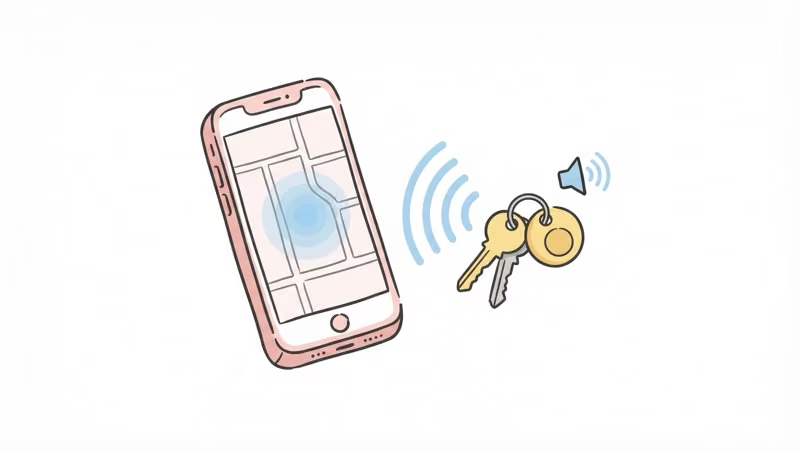
All three let you ring your keys from your phone. AirTag and Chipolo Pop also show your keys’ last known location on a map, so even if they’re across town, you’ll know where to look.
For more options, see our best Bluetooth tracker roundup.
Designate a Key Spot
The best lost-key strategy is prevention. Pick one spot — a hook by the door, a small tray on the entry table, a designated pocket in your bag — and commit to always putting your keys there. No exceptions.
It takes about two weeks of conscious effort to build the habit. After that, it’s automatic. You’ll reach for the spot without thinking, and your keys will be there.
If you live with others, make sure everyone knows the spot. Shared key hooks near the front door work well for families.
Bottom Line
Most lost keys are within 20 feet of where you’re standing. Retrace your steps, check the usual spots, and scan cluttered surfaces carefully before panicking. For repeat key-losers, a Bluetooth tracker on your keyring is the $25-29 fix that eliminates the problem permanently. And if you want to avoid the search entirely, designate one key spot and stick with it.
FAQ
What is the fastest way to find lost keys?
Go back to the last place you're certain you had them and physically retrace your steps. Check your key's usual home spot next, even if you don't remember putting them there. Most lost keys turn up within the first five minutes using this method.
Why do I keep losing my keys?
You don't have a consistent spot for them. People who designate one permanent key location and stick with it almost never lose their keys. The two-week habit-building period is the hard part -- after that, it's automatic.
Do Bluetooth trackers actually help find lost keys?
Yes. Attach an AirTag, Tile, or Chipolo to your keyring and you can ring your keys from your phone within Bluetooth range (about 30-250 feet depending on the tracker). If your keys are out of range, trackers like AirTag show the last known location on a map using Apple's Find My network.
Which key tracker works with Android phones?
Tile Mate ($25) and Chipolo Pop ($28) both work with Android. AirTag requires an iPhone. If you're in a mixed household, Tile or Chipolo are the better picks since they work across both platforms.
Can I find my keys if they're not in my house?
Without a tracker, your best bet is calling the last places you visited. With a Bluetooth tracker, you can check the last known location on the app's map. AirTag is strongest here because Apple's Find My network has over a billion devices relaying locations globally.
How far away can a Bluetooth tracker find keys?
Standard Bluetooth range is 30-250 feet depending on the tracker model and obstacles. The Tile Pro reaches up to 400 feet in open air. Beyond Bluetooth range, network-based trackers like AirTag can show approximate location anywhere another Apple device has passed nearby.
Is there a free way to track my keys?
No reliable free method exists for tracking keys remotely. The closest option is Apple's built-in Find My app if you already own an AirTag ($29). Tile and Chipolo apps are free but require purchasing the tracker hardware. Prevention by using a designated key spot costs nothing.