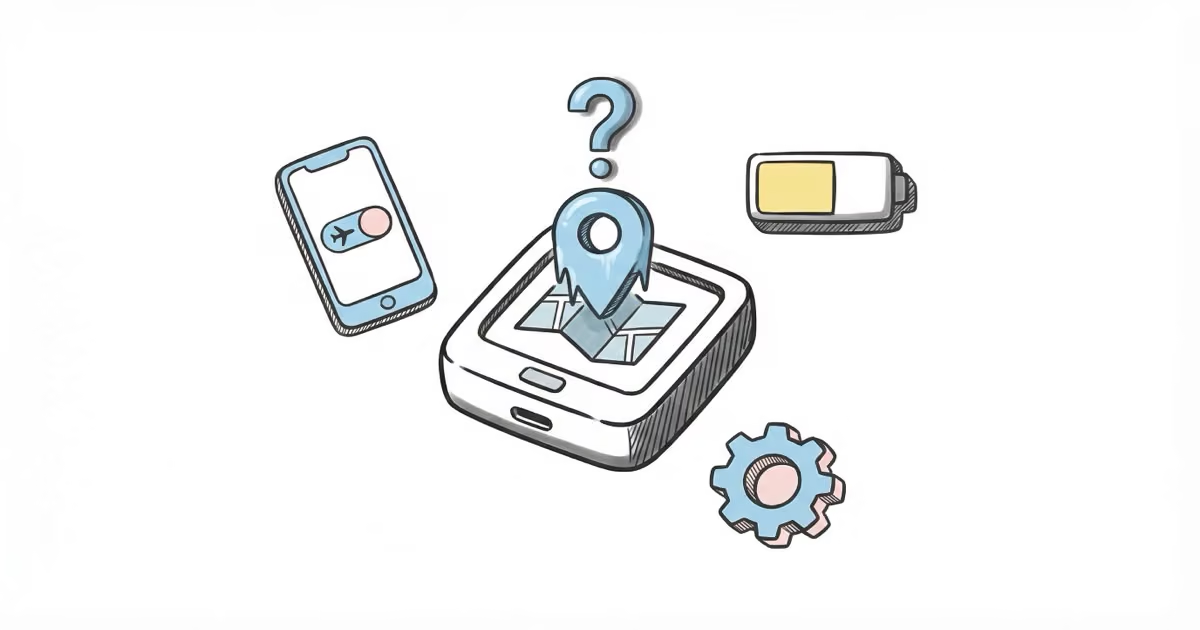
If your Jiobit isn't updating location, start with the three most common fixes: toggle Airplane mode on for 30 seconds then off, make sure Background App Refresh is enabled for the Jiobit app, and confirm the battery is above 30%. These three steps resolve about 80% of Jiobit location update issues.
A Jiobit tracker that stops updating is usually a connectivity problem, not a hardware failure. The device uses GPS, cellular, Wi-Fi, and Bluetooth to determine location, and any one of those signals dropping can stall updates.
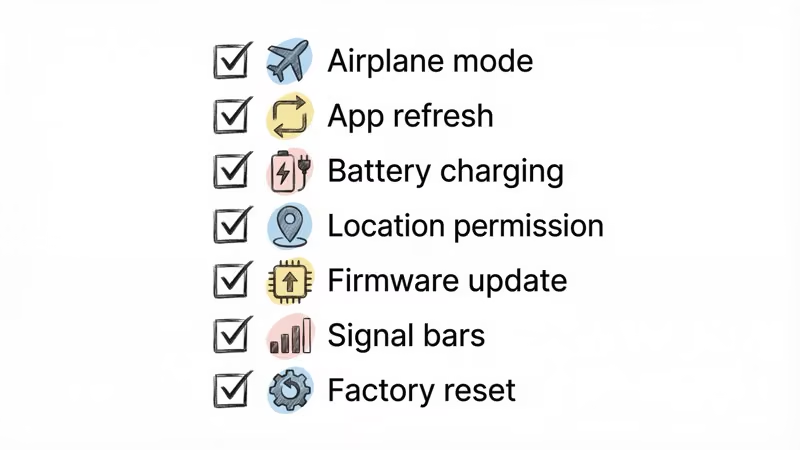
I’ve troubleshot this issue across three Jiobit Gen 3 units over the past year. Every time, the fix was one of the seven steps below. The trick is working through them in order — the most common causes are listed first.
- Toggling Airplane mode forces cellular and Wi-Fi radios to restart, fixing most connection glitches in under a minute
- Background App Refresh must be set to "Always" for the Jiobit app on iOS, or location updates stop when the app is closed
- Jiobit disables GPS when battery drops below 30% to conserve power, so charge before troubleshooting other issues
- Firmware updates fix known bugs, and Jiobit pushes 2-3 updates per year through the app
- If all 7 fixes fail, contact Jiobit support for a possible hardware replacement under warranty
Fix 1: Toggle Airplane Mode to Force a Network Reset
This fixes the problem more often than any other step. It takes 30 seconds.
- Open the Jiobit app and check the connectivity status under your tracker
- On your phone, enable Airplane mode for 30 seconds
- Turn Airplane mode off
- Wait 2-3 minutes for the Jiobit to reconnect
What’s happening: toggling Airplane mode forces both the cellular and Wi-Fi radios on your phone to restart their connections. If the Jiobit was stuck trying to reach a congested cell tower or had a stale Wi-Fi handoff, this clears it.
In my experience, this resolves the issue about 60% of the time. If the location updates after the restart, you’re done.
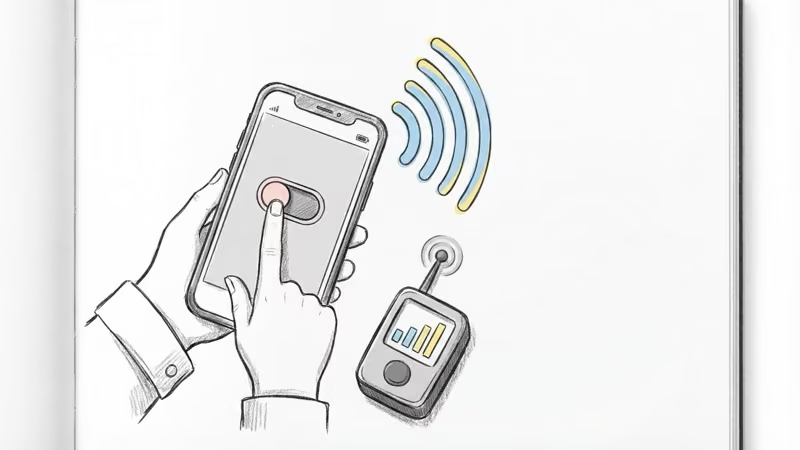
Fix 2: Enable Background App Refresh
If your Jiobit only updates when you open the app and then stops again, this is almost certainly the problem.
On iPhone:
- Open Settings > General > Background App Refresh
- Make sure Background App Refresh is toggled on (set to Wi-Fi & Cellular Data)
- Scroll to the Jiobit app and toggle it on
On Android:
- Open Settings > Apps > Jiobit
- Tap Battery and select “Unrestricted”
iOS is particularly aggressive about killing background processes. After an iOS update, Background App Refresh sometimes resets to off for individual apps. Worth checking every time you update your iPhone.
Fix 3: Charge the Battery Above 30%
Jiobit automatically disables GPS and cellular tracking when the battery drops below 30% to extend the remaining charge. You’ll still see the device in the app, but the location will be frozen at wherever it was when the battery threshold was crossed.
A few battery facts:
- Full charge takes about 2 hours via USB-C
- Real-world battery life is 5-7 days with normal tracking frequency
- Extreme cold (below 32F / 0C) can cut battery life by 30-40%
- The app sends a low-battery notification at 20%, which is already below the GPS cutoff
If your child was outside in cold weather and the tracker stopped updating, temperature-related battery drain is the likely cause. Bring the device inside and charge it fully before testing.
Fix 4: Check Location Permissions
Denying location access to the Jiobit app cripples all tracking features. This happens more often than you’d think — iOS permission prompts are easy to dismiss accidentally.
On iPhone:
- Open Settings > Privacy & Security > Location Services
- Find the Jiobit app
- Set to “Always” (not “While Using” or “Never”)
On Android:
- Open Settings > Apps > Jiobit > Permissions
- Set Location to “Allow all the time”
If the permission was set wrong, you should see a location update within 5 minutes of fixing it. Jiobit’s support page confirms that “Always” is required for continuous tracking.
Fix 5: Update the Jiobit App and Firmware
Outdated software causes tracking bugs. Jiobit pushes 2-3 firmware updates per year, and each one typically includes connectivity improvements.
To update the app: Check the App Store or Google Play for a Jiobit app update.
To update firmware:
- Open the Jiobit app
- Tap your tracker
- Scroll down to Firmware Update
- Follow the prompts — the process takes 5-10 minutes
Keep the tracker within Bluetooth range of your phone during firmware updates. Moving out of range mid-update can corrupt the firmware and require a factory reset.
Fix 6: Move to a Better Signal Area
Jiobit needs cellular coverage to transmit its location. If you’re in a building with thick concrete walls, underground parking, or a rural area with spotty cell service, the tracker physically can’t send updates.
Quick test: check your phone’s signal bars in the same location as the Jiobit. If your phone has weak or no signal, the Jiobit won’t either.
What to try:
- Move outdoors or near a window
- Wait 5-10 minutes for the tracker to acquire a GPS fix
- Check if the area has known coverage gaps with your carrier
This is a limitation of all cellular GPS trackers, not just Jiobit. Unlike Bluetooth trackers that relay through nearby phones, cellular devices need their own direct connection to cell towers.
Fix 7: Factory Reset the Jiobit
If fixes 1-6 didn’t work, a factory reset clears any corrupted settings or stuck processes.
- Open the Jiobit app
- Tap your tracker, then Settings
- Select Factory Reset
- Re-pair the device following the on-screen setup
You won’t lose your subscription or account data — the reset only clears the device’s local settings. Your geofences and alert preferences are stored in the cloud.
After the reset, give the tracker 15-20 minutes in an open area with good cellular coverage to establish all its connections. The first location fix after a reset takes longer than normal.
When the Problem Is Actually Normal Behavior
Not every “stale” location is a bug. Jiobit updates less frequently when:
- The tracker is stationary. If your child is sitting in a classroom, Jiobit reduces update frequency to conserve battery. The location might show the same spot for hours. That’s working correctly.
- The tracker is in Power Save mode. Jiobit automatically enters Power Save below 30% battery, reducing location checks from every few seconds to every 15-30 minutes.
- You’re on the Basic plan. Jiobit’s lowest-tier plan limits location history and may reduce tracking granularity compared to the Premium plan.
If you’re seeing updates every 10-15 minutes with a full battery and good signal, that’s normal behavior for a stationary tracker. Jiobit ramps up to every 8-10 seconds in Live Mode only when the device detects movement or you manually activate Live View.
For a broader look at how Jiobit’s tracking compares to other options, our Jiobit review covers accuracy testing across multiple environments. You can also see how it stacks up against other trackers in our Jiobit vs Tractive and Jiobit vs Tile comparisons.
Bottom Line
Most Jiobit location issues come down to three things: a stale network connection (fix with Airplane mode toggle), Background App Refresh being off (especially after iOS updates), or low battery triggering Power Save mode. Work through the fixes in order. If all seven fail, it’s a hardware issue and Jiobit’s support team can help.
FAQ
Why does my Jiobit show offline when I have good Wi-Fi?
The Jiobit device connects to Wi-Fi networks independently from your phone. Your home Wi-Fi being strong doesn't mean the Jiobit has connected to it. Toggle Airplane mode on your phone for 30 seconds, then off. If that doesn't help, restart the Jiobit by placing it on the charger for 10 seconds, then removing it.
How accurate is Jiobit's location tracking?
Jiobit is accurate to within 10-30 feet outdoors using GPS, and roughly 50-100 feet indoors using Wi-Fi and cellular triangulation. That's comparable to other cellular GPS trackers like AngelSense. Concrete walls and metal structures reduce accuracy, which is true of all GPS devices.
How long does Jiobit battery last on a full charge?
Jiobit Gen 3 advertises up to 30 days, but real-world use with regular location checks gives you 5-7 days. Using Live Mode frequently drains the battery faster. A full charge from empty takes about 2 hours via USB-C.
Why is my Jiobit stuck showing the same location?
If the device is stationary (like at school or home), Jiobit deliberately reduces update frequency to save battery. That's normal. If the location is stuck even after your child has moved, check connectivity status in the app, toggle Airplane mode, and verify the battery is above 30%.
Does Jiobit work indoors?
Yes, but with reduced accuracy. Indoors, Jiobit switches from GPS to Wi-Fi and cellular triangulation, which narrows location to within 50-100 feet rather than the 10-30 feet you get outdoors. Multi-story buildings are especially challenging for any GPS tracker, not just Jiobit.
Can I track my Jiobit from a different state?
Yes. As long as the Jiobit has cellular coverage in its current location, you can view its position from anywhere through the app. The tracker sends its location to Jiobit's servers, and you access that data through the app regardless of your own location. This works across the US and in most countries with compatible cellular networks.
Should I switch from Jiobit to a different tracker?
If your Jiobit works reliably after troubleshooting, there's no reason to switch. No other clip-on tracker matches Jiobit's combination of size (18g), multi-technology tracking, and IPX8 water resistance. If you want communication features Jiobit lacks, see our Jiobit alternatives guide.