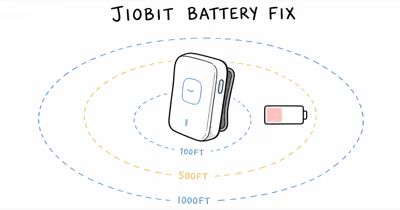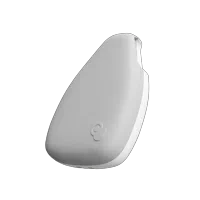
If your Jiobit isn't updating location, start with the three most common fixes: toggle Airplane mode on for 30 seconds then off, make sure Background App Refresh is enabled for the Jiobit app, and confirm the battery is above 30%. These three steps resolve most Jiobit location update issues.
A Jiobit tracker that stops updating is usually a connectivity problem, not a hardware failure. The device uses GPS, cellular, Wi-Fi, and Bluetooth to determine location, and any one of those signals dropping can stall updates.
These connectivity stalls are common and almost always fixable without a hardware swap.
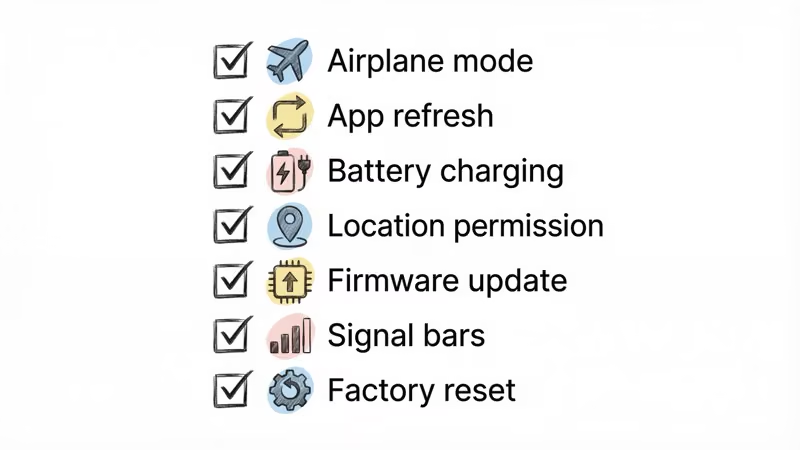
Work through the seven steps below in order — the most common causes are listed first.
- Toggling Airplane mode forces cellular and Wi-Fi radios to restart, which can clear short connection glitches quickly
- Background App Refresh must be set to "Always" for the Jiobit app on iOS, or location updates stop when the app is closed
- Jiobit disables GPS when battery drops below 30% to conserve power, so charge before troubleshooting other issues
- Firmware updates fix known bugs, and Jiobit pushes 2-3 updates per year through the app
- If all 7 fixes fail, contact Jiobit support for a possible hardware replacement under warranty
Does Toggling Airplane Mode Fix Jiobit Location Issues?
Start here because it’s quick and reversible. Wirecutter’s best Bluetooth tracker guide recommends toggling Airplane mode as the first troubleshooting step for any tracker connectivity issue.
- Open the Jiobit app and check the connectivity status under your tracker 2.
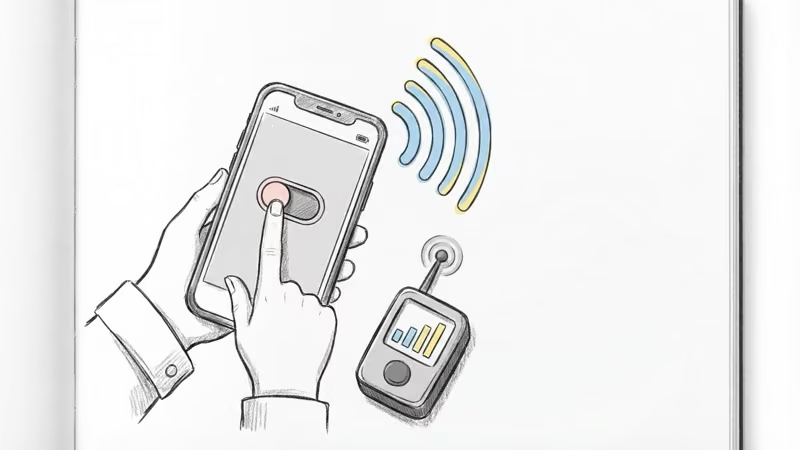
On your phone, enable Airplane mode for 30 seconds 3. Turn Airplane mode off 4. Wait 2-3 minutes for the Jiobit to reconnect
What’s happening: toggling Airplane mode forces both the cellular and Wi-Fi radios on your phone to restart their connections. If the Jiobit was stuck trying to reach a congested cell tower or had a stale Wi-Fi handoff, this clears it.
A restart resolves the issue in many cases. If the location updates after the restart, you’re done.
Fix 2: Enable Background App Refresh
If your Jiobit only updates when you open the app and then stops again, this is almost certainly the problem.
On iPhone:
- Open Settings > General > Background App Refresh
- Make sure Background App Refresh is toggled on (set to Wi-Fi & Cellular Data)
- Scroll to the Jiobit app and toggle it on
On Android:
- Open Settings > Apps > Jiobit
- Tap Battery and select “Unrestricted”
iOS is particularly aggressive about killing background processes. After an iOS update, Background App Refresh sometimes resets to off for individual apps. Worth checking every time you update your iPhone.
Fix 3: Charge the Battery Above 30%
Jiobit automatically disables GPS and cellular tracking when the battery drops below 30% to extend the remaining charge. Jiobit’s support documentation confirms that the 30% power-saving cutoff preserves enough battery for emergency alerts. Once the battery reaches that threshold, the GPS shuts down shortly afterward to conserve the remaining charge.
A few battery facts:
- Charging time varies by charger and device state
- Runtime depends on tracking frequency, Live Mode use, and signal quality
- Extreme cold can reduce usable lithium battery capacity
- The app sends a low-battery notification at 20%, which is already below the GPS cutoff
If your child was outside in cold weather and the tracker stopped updating, temperature-related battery drain is the likely cause.
Bring the device inside and charge it fully before testing.
Fix 4: Check Location Permissions
Denying location access to the Jiobit app cripples all tracking features. This happens more often than you’d think — iOS permission prompts are easy to dismiss accidentally.
On iPhone:
- Open Settings > Privacy & Security > Location Services
- Find the Jiobit app
- Set to “Always” (not “While Using” or “Never”)
On Android:
- Open Settings > Apps > Jiobit > Permissions
- Set Location to “Allow all the time”
If the permission was set wrong, watch for the next location update after fixing it. Jiobit’s support page confirms that “Always” is required for continuous tracking.
Fix 5: Update the Jiobit App and Firmware
Outdated software causes tracking bugs.
Firmware updates can include connectivity improvements. To update the app: Check the App Store or Google Play for a Jiobit app update.
To update firmware: 1. Open the Jiobit app 2. Tap your tracker 3.
Scroll down to Firmware Update 4. Follow the prompts and keep the tracker nearby
Keep the tracker within Bluetooth range of your phone during firmware updates. Moving out of range mid-update can corrupt the firmware and require a factory reset.
Fix 6: Move to a Better Signal Area
Jiobit needs cellular coverage to transmit its location.
If you’re in a building with thick concrete walls, underground parking, or a rural area with spotty cell service, the tracker physically can’t send updates.
Quick test: check your phone’s signal bars in the same location as the Jiobit.
If your phone has weak or no signal, the Jiobit won’t either.
What to try:
- Move outdoors or near a window
- Wait a few minutes for the tracker to acquire a GPS fix
- Check if the area has known coverage gaps with your carrier
This is a limitation of all cellular GPS trackers, not just Jiobit.
Unlike Bluetooth trackers that relay through nearby phones, cellular devices need their own direct connection to cell towers.
Fix 7: Factory Reset the Jiobit
If fixes 1-6 didn’t work, a factory reset clears any corrupted settings or stuck processes. 1. Open the Jiobit app 2. Tap your tracker, then Settings 3.
Select Factory Reset 4. Re-pair the device following the on-screen setup
You won’t lose your subscription or account data — the reset only clears the device’s local settings. Your geofences and alert preferences are stored in the cloud.
After the reset, give the tracker extra time in an open area with good cellular coverage to establish all its connections. The first location fix after a reset takes longer than normal.
When Is Stale Location Actually Normal Behavior?
Not every “stale” location is a bug. Jiobit updates less frequently when:
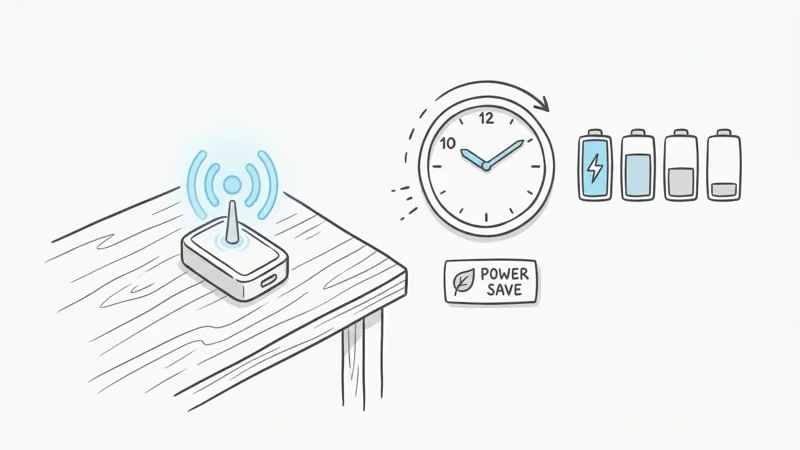
- The tracker is stationary. If your child is sitting in a classroom, Jiobit reduces update frequency to conserve battery. The location might show the same spot for a while. That’s working correctly.
- The tracker is in Power Save mode. Jiobit reduces location checks when battery is low.
- You’re on the Basic plan. Jiobit’s lowest-tier plan limits location history and may reduce tracking granularity compared to the Premium plan.
If you’re seeing slower updates while the tracker is stationary, that’s often normal battery-saving behavior. Jiobit ramps up in Live Mode only when the device detects movement or you manually activate Live View. For comparison, Tractive’s official site documents how the rival handles live-tracking intervals.
For a broader look at how Jiobit’s tracking compares to other options, our Jiobit review covers how its accuracy holds up across different environments.
You can also see how it stacks up against other trackers in our Jiobit vs Tractive and Jiobit vs Tile comparisons.
Bottom Line
Most Jiobit location issues come down to three things: a stale network connection (fix with Airplane mode toggle), Background App Refresh being off (especially after iOS updates), or low battery triggering Power Save mode.
Work through the fixes in order. If all seven fail, it’s a hardware issue and Jiobit’s support team can help.
FAQ
Why does my Jiobit show offline when I have good Wi-Fi?
The Jiobit device connects to Wi-Fi networks independently from your phone. Your home Wi-Fi being strong doesn't mean the Jiobit has connected to it. Toggle Airplane mode on your phone for 30 seconds, then off. If that doesn't help, restart the Jiobit by placing it on the charger for 10 seconds, then removing it.
How accurate is Jiobit's location tracking?
Jiobit is most accurate outdoors using GPS and less precise indoors, where it falls back to Wi-Fi and cellular triangulation. That's comparable to other cellular GPS trackers like AngelSense. Concrete walls and metal structures reduce accuracy, which is true of all GPS devices.
How long does Jiobit battery last on a full charge?
Jiobit Gen 3 advertises a best-case battery figure, but runtime depends on location checks, Live Mode use, signal quality, and temperature. Using Live Mode frequently drains the battery faster.
Why is my Jiobit stuck showing the same location?
If the device is stationary (like at school or home), Jiobit deliberately reduces update frequency to save battery. That's normal. If the location is stuck even after your child has moved, check connectivity status in the app, toggle Airplane mode, and verify the battery is above 30%.
Does Jiobit work indoors?
Yes, but with reduced accuracy. Indoors, Jiobit switches from GPS to Wi-Fi and cellular triangulation, so location is less precise than an outdoor GPS fix. Multi-story buildings are especially challenging for any GPS tracker, not just Jiobit.
Can I track my Jiobit from a different state?
Yes. As long as the Jiobit has cellular coverage in its current location, you can view its position from anywhere through the app. The tracker sends its location to Jiobit's servers, and you access that data through the app regardless of your own location. This works across the US and in most countries with compatible cellular networks.
Should I switch from Jiobit to a different tracker?
If your Jiobit works reliably after troubleshooting, there's no reason to switch. No other clip-on tracker matches Jiobit's combination of size (18g), multi-technology tracking, and IPX8 water resistance. If you want communication features Jiobit lacks, see our Jiobit alternatives guide.