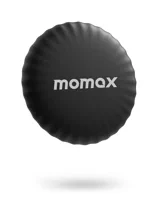
The Momax PinTag is a sub-$10 Find My tracker that covers the core AirTag job for roughly a third of the price. It uses Apple's Find My network for crowd-sourced location tracking, is rated around a year on a CR2032 battery, and carries an IPX6 water resistance rating. You lose UWB Precision Finding and separation alerts, but the core locate-my-stuff functionality is the same category.
At $29 per tag, outfitting five items with AirTags costs $145. With the PinTag now selling for as low as $9.99, the same five-item setup runs about $50. For anyone tracking more than a couple of items, that math matters.
The PinTag is built for keychains and bags, and this review covers how it holds up day to day -- and where it falls short of the real thing.
- The Momax PinTag now sells for around $10 (recently as low as $9.99) and uses Apple's Find My network, same as AirTag.
- Location accuracy and update timing depend on nearby Apple devices, just like other Find My trackers.
- Battery is rated around a year on a single $1 CR2032 replacement.
- No UWB Precision Finding, no automatic separation alerts, and shorter direct Bluetooth range than AirTag.
- iOS only -- no Android support. Requires iPhone or iPad with iOS 14.5 or later.
How the Momax PinTag Works
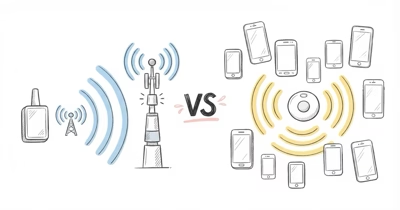
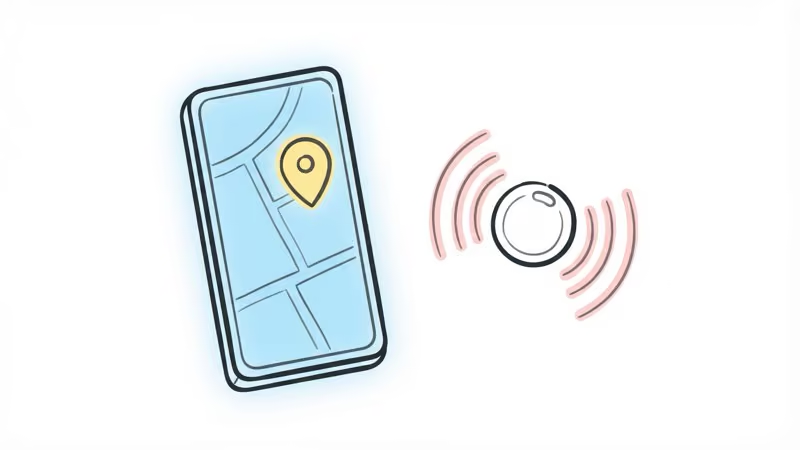
The PinTag connects to Apple's Find My network, the same one that powers AirTags. Hundreds of millions of iPhones, iPads, and Macs act as anonymous relays. When your PinTag is out of your personal Bluetooth range, any nearby Apple device can detect it and report its encrypted location back to you.
This is why the PinTag works despite being a sub-$10 device. It's piggyback riding on Apple's infrastructure. The same approach powers trackers from Chipolo and Onn, alongside others in the broader Find My ecosystem of third-party trackers.
For the wider lineup, see our best Bluetooth tracker roundup covering Find My-compatible options across price tiers.
Setup is quick:
- Open the Find My app on your iPhone (iOS 14.5+)
- Tap "Items" then the "+" button
- Follow the pairing prompts
- Name the PinTag and attach it to your item
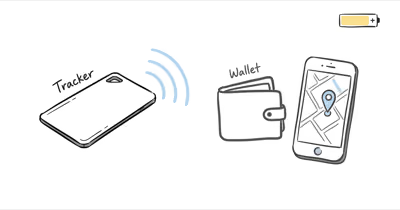
After that, the Find My app shows your PinTag's last known location. Mark it as lost, and you'll get a notification the moment any Apple device detects it.
How Does the PinTag Perform Day to Day?
The PinTag stacks up closely against a 2nd-gen AirTag on location accuracy, since both ride the same Find My network.
Location accuracy follows the same Find My mechanics as other non-UWB trackers. In a dense urban area with lots of iPhones around, updates can arrive quickly. In a quieter residential neighborhood, they can stretch longer as fewer devices pass nearby. The network layer is not meaningfully different from the AirTag.
The gap shows up in two places. First, the PinTag doesn't have UWB, so there's no Precision Finding -- that AR-guided "you're getting warmer" experience. When the tracker is somewhere in your apartment, you're stuck with the speaker and a general proximity indicator. Second, direct Bluetooth range is shorter than AirTag's.
For finding a bag at a coffee shop or keys in a friend's house? The PinTag works fine. For finding something buried in a couch cushion from three rooms away, you'll miss Precision Finding.
Battery Life
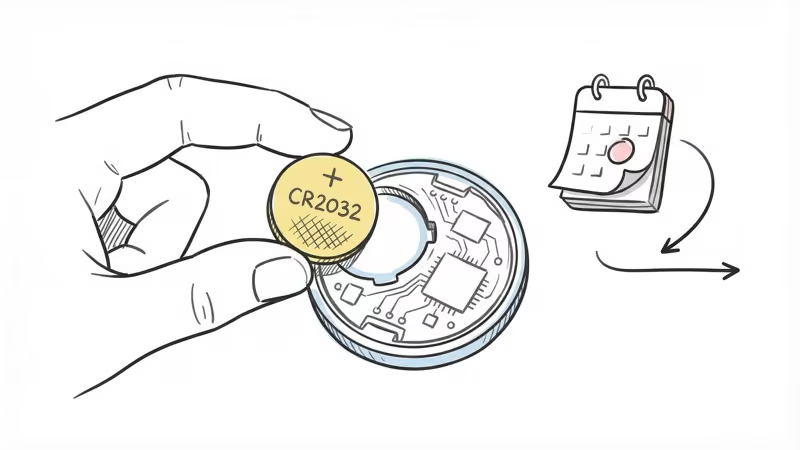
Momax's PinTag spec page states that battery life is rated at 12 months per CR2032 cell, roughly in line with the AirTag's typical year-long lifespan. Actual life depends on how often the tag is pinged. The Find My app shows a low-battery warning with enough lead time to swap in a fresh CR2032 before it dies.
Battery replacement is dead simple. The back cover pops off without tools -- just twist and lift. A 6-pack of CR2032 batteries costs about $6, so you're looking at roughly a dollar a year to keep a PinTag running.
Design and Build Quality
Momax's published specs list the PinTag at 0.96 inches in diameter and 0.33 inches thick, and at just 9 grams it's noticeably lighter and slightly smaller than an AirTag (1.26 inches). Wirecutter's best Bluetooth tracker guide recommends the PinTag as an affordable Find My alternative for shoppers who don't need Precision Finding.
The polycarbonate body is built for daily pocket and bag use, and the IPX6 rating covers heavy rain, splashes, and water jets on something like a gym bag zipper.
Apple's safety documentation confirms that all Find My-compatible trackers inherit Apple's anti-stalking protections, including alerts on both iOS and Android. The PinTag carries an IPX6 water resistance rating, so it shrugs off heavy rain, splashes, and direct water jets. It isn't rated for full submersion, so it shouldn't go in a pool, but everyday moisture and weather are no problem.
One design advantage over AirTag: the PinTag has a built-in keyring hole. No $12.95 loop accessory needed. For keys, it works right out of the box.
What Do You Give Up vs. AirTag?
The savings come with trade-offs. Here's what the PinTag doesn't do:
- No UWB Precision Finding -- you get the speaker and a rough distance indicator, not the AR walkthrough
- No separation alerts -- won't warn you if you leave an item behind while driving
- Shorter Bluetooth range than AirTag's direct range
- Single-tone speaker -- audible but not as loud or variable as AirTag's
- No ARKit integration -- no visual location assistance on iPhone
For a full side-by-side breakdown, see our Momax PinTag vs Apple AirTag comparison.
If you only need to track one or two high-value items, the AirTag's extras are worth the roughly $19 premium. If you're tagging five, six, or more items, the PinTag's savings add up fast.
Privacy and Security
The PinTag inherits the privacy protections built into Apple's Find My network:
- End-to-end encryption on all location data
- Rotating anonymous identifiers that can't be traced to your identity
- No location history stored -- only current position
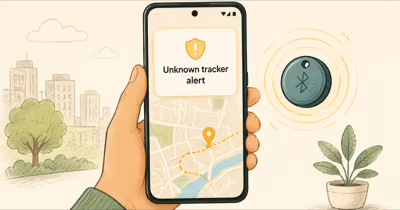
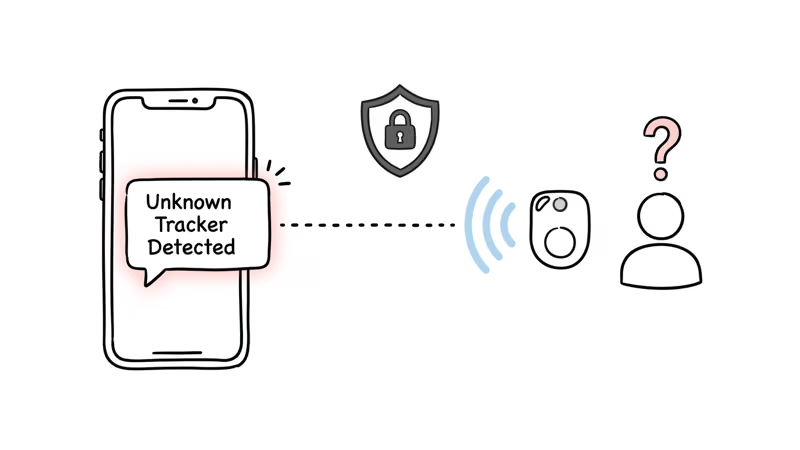
- Unwanted tracking alerts on iPhones that detect a PinTag traveling with them
Apple's cross-platform tracker detection standard also means Android phones running updated Google Play Services can detect unwanted Find My trackers. This is a meaningful safety improvement over older Bluetooth trackers that had no anti-stalking protections.
Who Should Buy the Momax PinTag
The PinTag makes the most sense for people tagging three or more items. At that point, you're saving roughly $57 over three AirTags, and the core tracking functionality is identical -- both use the same Find My network.
It also works well as a secondary tracker for lower-value items. Put an AirTag on your laptop bag (where Precision Finding is worth having) and PinTags on your keys, gym bag, and umbrella.
Skip the PinTag if you need Android support, want Precision Finding, or only plan to track one item where the ~$19 difference is negligible.
Bottom Line
The Momax PinTag does the most important thing well: it tells you where your stuff is through Apple's Find My network. At under $10 with no monthly fees, a built-in keyring hole, and year-rated battery life, it's the best value in the Find My tracker market. You give up UWB and separation alerts. For most people tracking everyday items, those features aren't worth the extra cost.
FAQ
Is the Momax PinTag compatible with Android?
No. The PinTag requires Apple's Find My network, which only works on iPhone and iPad running iOS 14.5 or later. Android users should look at Samsung SmartTag 2 or Tile instead.
How does the PinTag battery compare to AirTag?
Comparable. Both use CR2032 coin cells that cost about $1 to replace, and both are rated around a year depending on how often the tracker pings.
Can I use a PinTag to track my pet?
You can attach one to a collar, but it's not a GPS tracker. The PinTag only reports location when a nearby iPhone detects it. In a park or rural area with few iPhones, updates can lag for a long stretch. Dedicated GPS pet trackers are more reliable for pets that go outdoors.
Are there any monthly fees?
None. The PinTag uses Apple's Find My network at no cost. Your only recurring expense is a CR2032 battery roughly once a year.
What is the PinTag's Bluetooth range?
Shorter than AirTag's direct Bluetooth range. Walls, furniture, and bodies all reduce Bluetooth range, so nearby finding depends heavily on the room and obstacles between your phone and the tag.
How many PinTags can I add to Find My?
Up to 16 total items per Apple ID, combining AirTags, PinTags, and any other Find My-compatible trackers. That 16-item limit is set by Apple, not Momax.
Does the PinTag have anti-stalking protections?
Yes, through Apple's Find My system. iPhones automatically alert users if an unknown Find My tracker is detected traveling with them. Android phones with updated Google Play Services also receive these alerts through Apple's cross-platform detection standard.